LAV PRATAP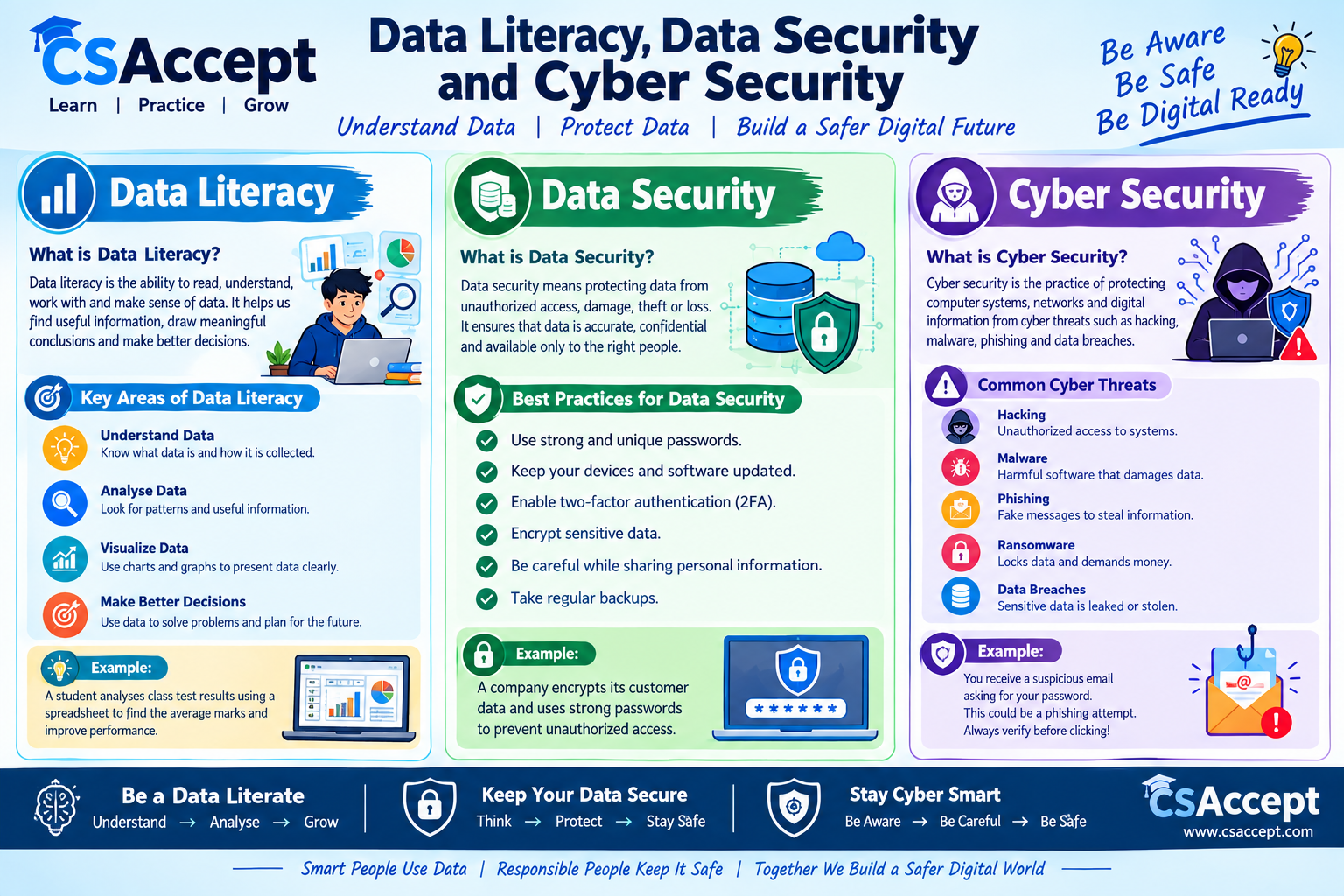
csaccept.com is a computer awareness website dedicated to providing reliable and easy-to-understand information about computer technology and digital safety. The website focuses on educating students, beginners, and general users about computer basics, cyber security, emerging technologies, and practical IT skills. Through informative articles, quizzes, and real-life examples, csaccept.com aims to increase digital literacy and help users stay safe and confident in today’s technology-driven world.
 Facebook ………………..
  Instagram ……………..
  Twitter ( X ) ……………..
  YouTube
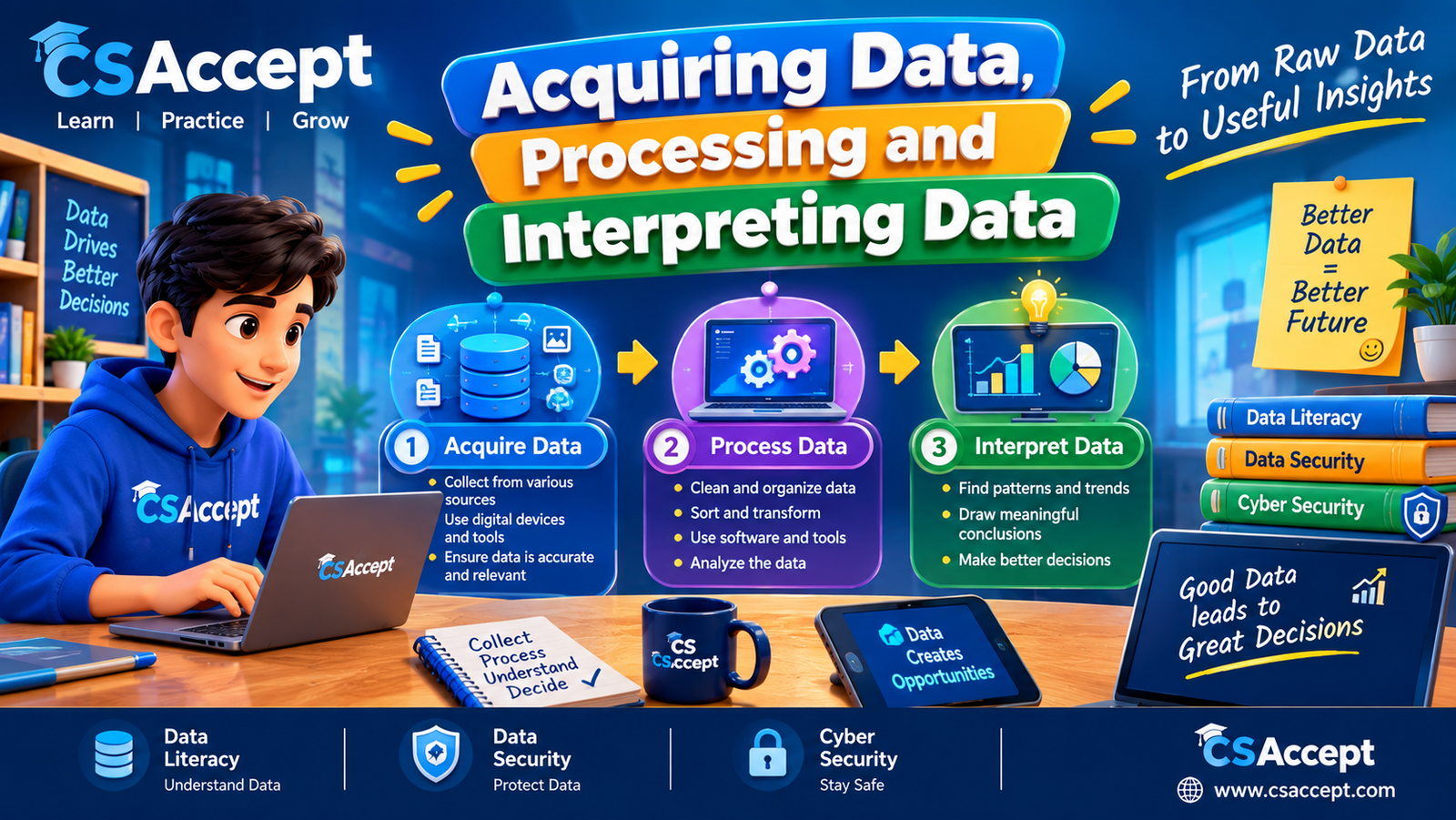
Data Literacy, Data Security and Cyber Security
Basics of Data Literacy:
Data:-
Data refers to a collection of facts, figures, observations, measurements, or information that can be used for a particular purpose. Data may be available in the form of numbers, words, images, audio, videos, tables, graphs, etc.
Data is important because it helps us understand situations, identify patterns and make decisions.
- Data Literacy:-
Data Literacy is the ability to read, understand, interpret, analyze and communicate data in a meaningful way.
A data-literate person can understand what data represents, determine whether the data is reliable, identify useful information and use that information to make appropriate decisions.
Example
Suppose a teacher prepares a table showing the marks of students in Mathematics. By looking at the table, the teacher can identify students who performed well and students who need additional help. The ability to understand and use this information is an example of data literacy.
- Importance of Data Literacy:-
Data literacy is important because we regularly come across data in our studies, work and daily life.
A person with good data literacy can make decisions based on facts rather than assumptions or guesses.
Better Decision Making
Data helps us make informed decisions. For example, a school can analyze students’ examination results and identify subjects or topics where students need more practice.
Understanding Information
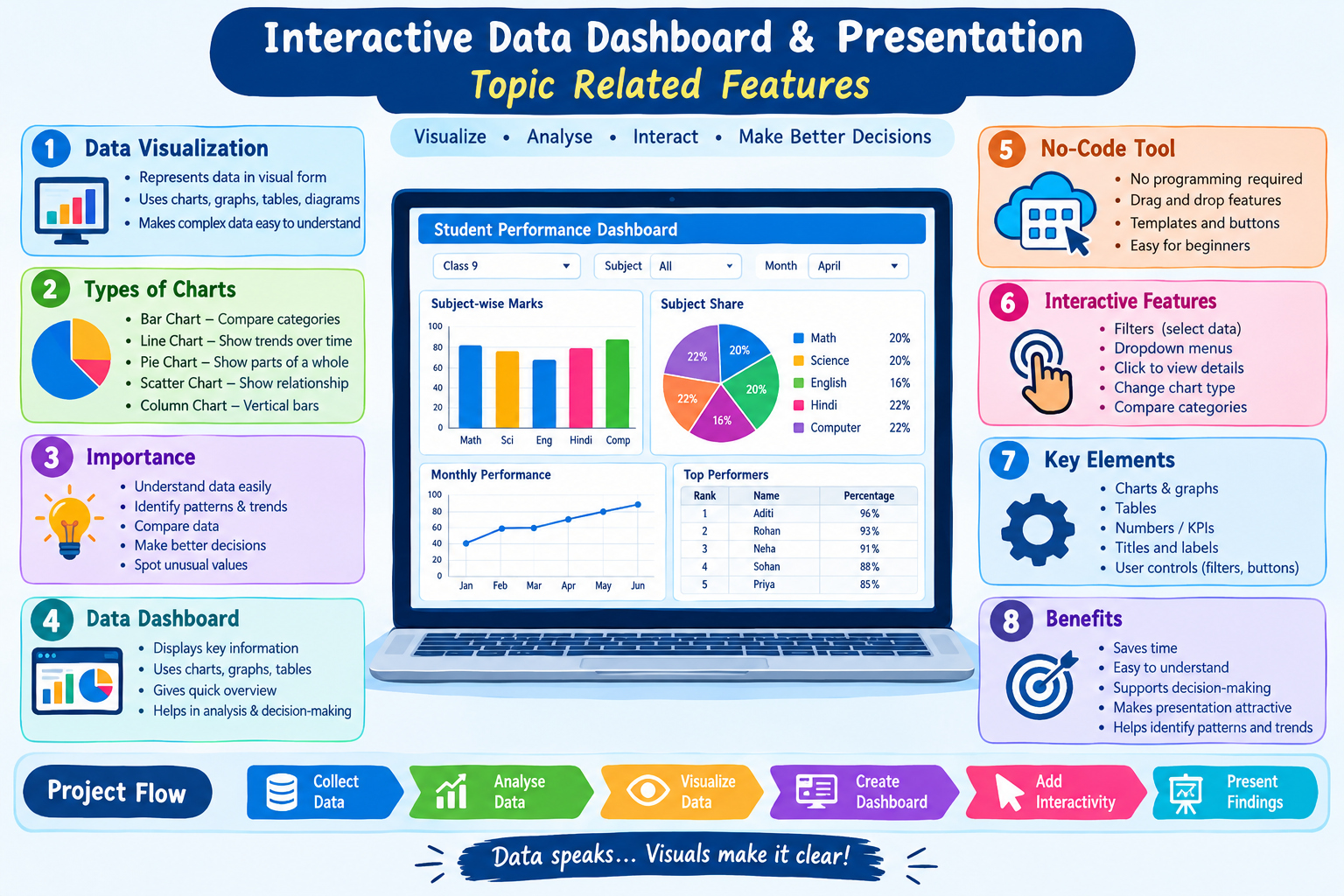
Data literacy helps us understand information presented through tables, charts and graphs. It allows us to identify important facts and compare different values.
Identifying Patterns and Trends
Data can show how something changes over time.
For example, if a school’s attendance increases from 82% in July to 90% in August, the data shows an improvement in attendance.
Solving Problems
Data can help identify the cause of a problem and find suitable solutions.
For example, if many students receive low marks in a particular chapter, the teacher can analyze the results and provide additional teaching and practice for that chapter.
Avoiding Misleading Information
Sometimes data can be presented in a misleading manner. Data literacy helps us question information and check whether the data is reliable and correctly presented.
- Data Literacy and Its Impact:-
Data literacy has a major impact on our personal, educational and professional lives. It helps individuals and organizations use information effectively.
Impact on Education
Schools and teachers use data such as attendance, examination marks and assessment results to understand student performance.
Example:
A teacher analyzes the results of a Class 9 test and finds that most students have difficulty understanding one particular topic. The teacher can then arrange extra practice for that topic.
Impact on Business
Businesses collect and analyze data about sales, customers and products. This helps them understand customer needs and improve their services.
Example:
An online shopping website may analyze previous purchases to recommend products that a customer may be interested in.
Impact on Government
Government departments use data for planning and decision-making.
Example:
Population data can help the government decide where new schools, hospitals and roads may be required.
Impact on Daily Life
People use data while checking weather forecasts, comparing prices, using maps, tracking fitness activities and making financial decisions.
Therefore, data literacy helps people make better and more informed decisions in everyday life.
- How to Become Data Literate?
Data literacy is a skill that can be developed through learning and regular practice.
Understanding Different Forms of Data
First, a person should learn how to understand data presented in different forms such as:
- Tables
- Bar graphs
- Line graphs
- Pie charts
- Reports
- Lists
Checking the Source of Data
It is important to know where the data came from. A reliable source generally provides more trustworthy information.
For example, before believing statistics shared on social media, we should check the original source.
- Data Security:-
Data Security refers to the process of protecting data from unauthorized access, theft, misuse, alteration, loss or destruction.
Data security is especially important in the digital world because large amounts of personal and organizational information are stored on computers, smartphones and online services.
Example
A school may store student records on a computer. To protect these records, the school can use passwords, access controls and regular backups.
- Importance of Data Security:-
Data security is important because data may contain confidential and valuable information.
For example:
- Personal information
- Passwords
- Financial information
- Student records
- Official documents
- Photographs
- Email information
If such information falls into the wrong hands, it may be misused.
Good data security helps to:
- Prevent unauthorized access.
- Protect confidential information.
- Prevent data theft.
- Reduce the risk of data loss.
- Protect users from cyber-attacks.
- Maintain trust and privacy.
- Data Privacy:
Data Privacy refers to the proper collection, use, storage and sharing of personal information.
It means that individuals should have appropriate control and awareness over how their personal information is handled.
For example, when an application asks for access to contacts, camera or location, a user should understand why that permission is required before allowing it.
Examples of Personal Data
Personal data may include:
- Name
- Mobile number
- Email address
- Photograph
- Date of birth
- Address
- Location information
Sensitive information such as passwords, PINs, OTPs and financial credentials should receive particularly strong protection.
- Difference Between Data Security and Data Privacy
Data Security is mainly concerned with protecting data from unauthorized access, theft, loss or damage.
Data Privacy is mainly concerned with how personal data is collected, used, stored and shared.
Example: Keeping a student’s school record protected with a password is an example of data security.
Making sure that the student’s personal information is not shared with unauthorized people is an example of data privacy.
- Cyber Security
Cyber Security refers to the practice of protecting computers, mobile devices, networks, applications and digital information from unauthorized access, attacks and other cyber threats.
Cyber security is important because people use the Internet for education, communication, banking, shopping and many other activities.
- Common Cyber Security Threats
Malware:
Malware is a general term used for malicious software that is designed to damage systems, disrupt operations or steal information.
Examples include:
- Virus
- Worm
- Trojan
- Spyware
- Ransomware
Phishing:
Phishing is a technique used by cyber criminals to trick people into providing confidential information.
A phishing attack may come through an email, SMS, social media message or fake website.
Example:
A person receives a message saying, “Your account will be blocked today. Click this link and enter your password.”
The message may be fake and designed to steal the user’s password.
Weak Passwords:
Passwords such as 123456, password or a person’s name are easier to guess. Weak passwords can make accounts vulnerable.
Unauthorized Access:
Unauthorized access occurs when a person accesses a computer, account, network or data without permission.
Data Loss:
Data can be lost because of accidental deletion, hardware failure, malware, theft or other unexpected events.
- Best Practices for Cyber Security
Cyber security can be improved by following safe digital practices.
Use Strong and Unique Passwords
A strong password should be difficult for others to guess. It is better to use a long password or passphrase and avoid using the same password for different important accounts.
Enable Two-Factor Authentication
Two-Factor Authentication, commonly called 2FA, provides an additional layer of security.
For example, a user may need to enter a password and then enter an OTP or authentication code.
Even if someone obtains the password, the second verification step can provide additional protection.
Never Share OTP or Password
OTP, password, PIN and verification codes should not be shared with unknown persons.
Example:
If someone calls and asks for an OTP to “verify your account”, you should not provide it.
Avoid Suspicious Links
Do not click unknown or suspicious links received through emails, SMS or social media.
A message offering an unrealistic prize or urgent reward may be an attempt to steal personal information.
Keep Software Updated
Operating systems, browsers and applications should be regularly updated. Updates often include important security improvements and fixes.
Use Security Software
Trusted antivirus and other security tools can help identify and protect against malicious software.
Take Regular Backups
A backup is an additional copy of important data. Backups help recover information if the original data is accidentally deleted, damaged or affected by malware.
Use Secure Networks
Avoid performing sensitive activities over unknown or unsecured networks. Use trusted and properly secured Wi-Fi networks whenever possible.
Log Out from Shared Computers
When using a computer in a school, library or other shared place, always log out of personal accounts after use.
Be Careful While Sharing Personal Information
Do not unnecessarily share personal information online. Before posting something, think about who can see it and how it might be used.
- Relationship Between Data Literacy and Cyber Security
Data literacy and cyber security are closely connected.
A data-literate person understands the importance of information and is more likely to question suspicious or misleading data.
For example, if a student receives a message asking for personal information, a data-literate student can question:
“Who sent this information?”
“Is the source trustworthy?”
“Why is this information being requested?”
This can help the student avoid phishing, scams and other cyber threats.
- Conclusion
Data has become an important part of modern life. Data literacy helps us understand and use data correctly, while data security and privacy help protect information from misuse. Cyber security helps protect our digital devices, accounts, networks and information from cyber threats.
Every student should develop the habit of checking information, protecting personal data, using strong passwords, avoiding suspicious links and keeping digital devices secure.
Remember: Think before you click, check before you trust, and protect before you share.